
Servers for Sale: Refurbished Servers & Dell Storage Solutions
Explore servers for sale at Netlio.store, including refurbished servers and Dell storage servers for business applications, data storage, virtualization, and enterprise IT infrastructure. Learn how to choose reliable server hardware based on your performance, storage, and budget requirements.
Netlio Admin6 min read16 Oct 2026
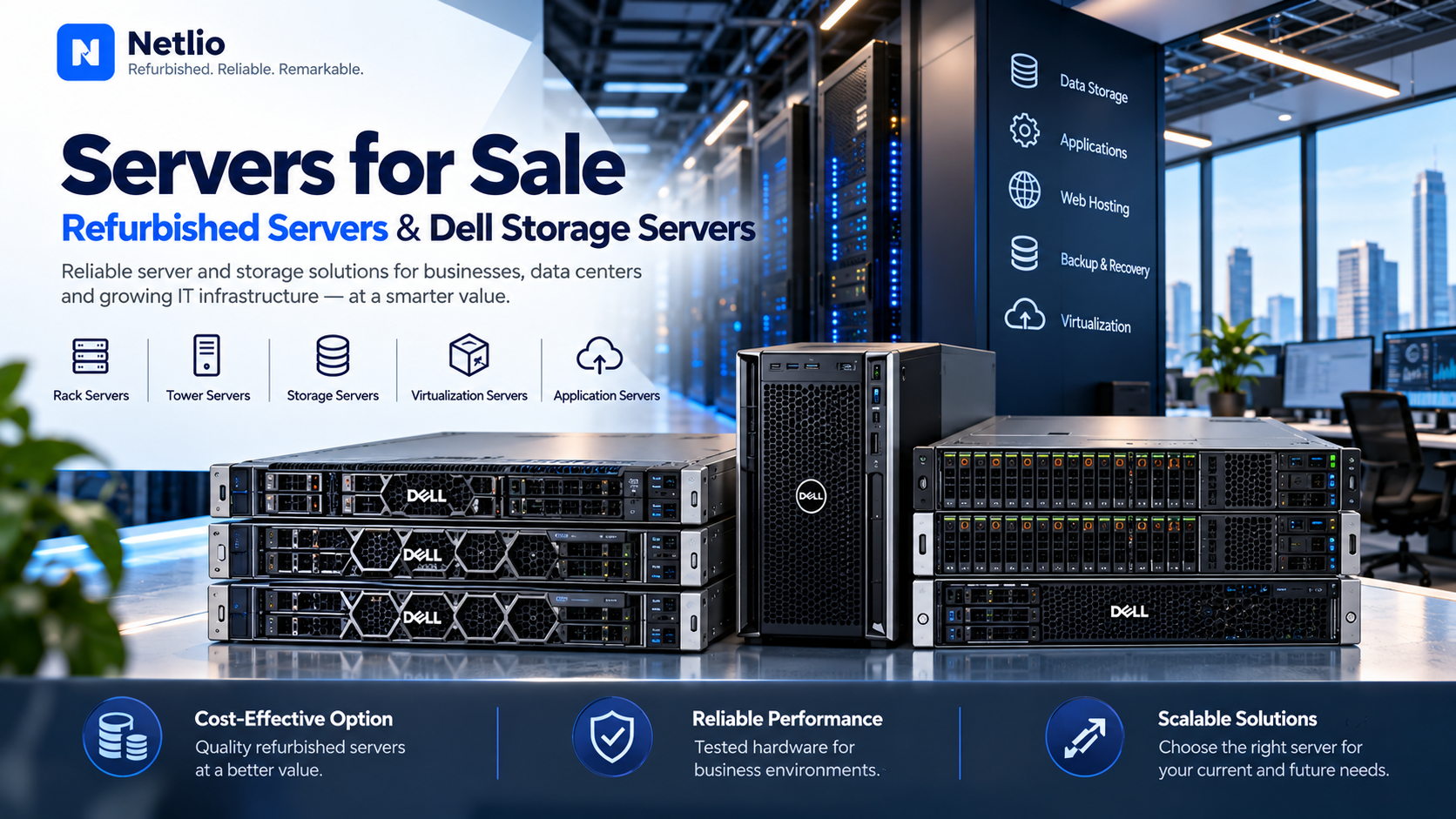
Modern businesses rely on servers to store data, run applications, manage databases, host websites, and support daily operations. Whether a company is expanding its IT infrastructure, setting up a server room, or upgrading its existing systems, choosing the right server is essential for reliable performance and efficient resource management.
However, purchasing new server hardware can require a significant investment. Businesses often compare different configurations, storage capacities, and hardware conditions before making a decision. Exploring **servers for sale**, including **refurbished servers** and **Dell storage servers**, can help organizations evaluate options that fit their technical requirements and budgets.
At Netlio.store, businesses, IT professionals, and system integrators can explore networking and IT infrastructure products for their deployment needs. This guide explains what to consider when buying servers and how to evaluate server and storage solutions for business environments.
Understanding Servers for Business Infrastructure
A server is a computer system designed to provide resources, applications, data, or services to other computers and users over a network.
Depending on their configuration, servers can support business applications, virtualization, databases, file sharing, web hosting, backup systems, and other workloads.
Common server types include:
- Rack servers: Designed for installation in server racks and data centers.
- Tower servers: Suitable for smaller offices and environments with limited rack infrastructure.
- Storage servers: Built or configured to provide storage capacity and data access.
- Virtualization servers: Designed to run multiple virtual machines and workloads.
- Application servers: Used to host business applications and services.
The right server depends on workload requirements, expected growth, available space, power and cooling capacity, and compatibility with existing infrastructure.
Servers for Sale: How to Choose the Right Hardware
When comparing servers for sale, businesses should look beyond the initial purchase price. Hardware specifications, expansion capabilities, and long-term operating requirements all influence the suitability of a server.
1. Processor Performance
The processor affects how effectively a server handles applications and simultaneous workloads. Consider the number of processor cores, supported CPU models, clock speeds, and workload requirements before choosing a configuration.
2. RAM Capacity
Memory requirements vary depending on the applications running on the server. Database systems, virtualization environments, and memory-intensive applications may require larger RAM capacities than basic file-sharing workloads.
3. Storage Capacity and Configuration
Evaluate the amount of storage required, the type of drives supported, and the need for redundancy. Depending on the model, servers may support HDDs, SSDs, different drive form factors, and hardware RAID configurations.
4. Network Connectivity
Check available Ethernet ports, supported network speeds, expansion slots, and compatibility with your existing network infrastructure.
5. Power, Cooling, and Expansion
Before purchasing, review power supply configurations, cooling requirements, rack dimensions where applicable, and available expansion options. These factors are particularly important for businesses operating multiple servers.
Refurbished Servers: An Alternative for Cost-Conscious Businesses
Refurbished servers are previously used systems that may undergo inspection, testing, cleaning, repair, or preparation before resale. Their condition and refurbishment process can vary by supplier and product.
Businesses may consider refurbished servers when replacing existing hardware, expanding computing capacity, maintaining legacy applications, or setting up development and testing environments.
Benefits of Refurbished Servers
Potentially lower upfront costs: Depending on the model and condition, refurbished equipment may cost less than comparable new hardware.
Access to established server models: Organizations maintaining older applications or infrastructure may need specific hardware configurations that are difficult to source new.
Flexible configuration options: Depending on availability, buyers may find systems with different processor, memory, storage, and network configurations.
Support for selected workloads: Refurbished systems may be appropriate for file services, development environments, virtualization, and other workloads when the specifications meet the requirements.
What to Check Before Buying Refurbished Servers
Before making a purchase, verify:
- Exact manufacturer, model, and part number
- Processor generation and supported CPU configuration
- Installed RAM and maximum supported memory
- Drive bays, storage devices, and RAID compatibility
- Power supplies and included components
- Hardware testing status and physical condition
- Firmware and software support
- Warranty coverage and return policy
Also consider the server's age, expected workload, energy consumption, and remaining support lifecycle. These factors help determine whether a particular refurbished system is suitable for your business.
Dell Storage Servers for Business Data Requirements
Dell storage servers can be considered by organizations that need server-based storage for business files, applications, databases, backups, and other data-intensive workloads. The available capabilities depend on the exact Dell server model and its configuration.
Businesses evaluating Dell hardware should distinguish between general-purpose servers configured for storage workloads and dedicated storage platforms. Their features and intended applications may differ.
Common Uses of Dell Storage Servers
Depending on the model and configuration, Dell server systems may support:
- Centralized file storage
- Business application data
- Backup and recovery environments
- Virtualization infrastructure
- Database workloads
- Shared storage for departments and teams
How to Choose the Right Dell Storage Server
Storage capacity: Estimate current data requirements and future growth before selecting drive capacity and the number of drive bays.
Drive compatibility: Verify supported HDD and SSD types, interface standards, drive sizes, and model-specific limitations.
Data protection: Review RAID options, backup requirements, redundancy, and recovery procedures. RAID alone is not a substitute for a backup strategy.
Memory and processing: Ensure the processor and RAM are suitable for the storage applications and services running on the system.
Network performance: Check Ethernet connectivity and whether additional network adapters are required to meet data transfer requirements.
Expansion and support: Consider future drive expansion, replacement component availability, firmware support, and applicable warranty terms.
A careful comparison helps businesses identify Dell storage server configurations that align with their operational and data management needs.
Refurbished Servers vs. New Servers: Which Should You Choose?
The choice between refurbished and new servers depends on your priorities, workload, and budget.
New servers may be preferable when an organization requires the latest platform features, a longer expected support lifecycle, or specific manufacturer support arrangements.
Refurbished servers may be worth evaluating when budget constraints are important, the required configuration is available, and the hardware can meet performance, compatibility, and support requirements.
Before deciding, compare the total cost of ownership, including the purchase price, power consumption, maintenance, storage upgrades, software licensing, and potential downtime.
Find Servers for Sale at Netlio.store
Choosing the right server involves balancing computing performance, storage capacity, reliability, and cost. Businesses should compare available configurations against their intended workloads rather than selecting hardware based on price alone.
Netlio.store provides an online destination for businesses, IT professionals, and system integrators exploring networking and IT infrastructure products.
If you are looking for servers for sale, comparing refurbished servers, or evaluating Dell storage servers, review the specifications, compatibility, product condition, and warranty terms of the relevant models.
Explore the available products on Netlio.store and confirm current availability and pricing before placing an order.
Conclusion
Servers form an important part of modern business IT infrastructure, supporting applications, data storage, virtualization, and everyday operations.
When comparing servers for sale, businesses should evaluate processor performance, memory, storage, connectivity, expansion options, and long-term operating costs. Refurbished servers can provide an alternative for selected workloads, while Dell storage servers may be suitable for business data requirements when the specific model and configuration meet operational needs.
By assessing technical requirements and verifying product details before purchasing, organizations can make informed decisions about their server infrastructure.
**Explore Netlio.store for server and IT infrastructure products suited to your business requirements.**